Home / Guides / Embroidery File Formats
Embroidery file formats, and which machine reads what
Embroidery machines do not read images. They read a list of coordinates and commands, and every manufacturer has its own container for that list. Which one you need depends entirely on the machine in front of you.
Machine formats
These hold finished stitch data — needle coordinates, color stops, and the movement the machine follows between them. They are the output of digitizing. They can be edited at stitch level, but they do not keep the object-level properties of the native working file, so structural changes are much less flexible. How much else a format carries varies: some record thread colors, some do not.
The machine column below is a general guide rather than a compatibility matrix. Support varies by model and by stitcher generation, and some color machines read a format that newer siblings have moved on from. If a job depends on it, confirm the format with the shop running the file — they will know what their machine takes.
| Format | Machines | Notes |
|---|---|---|
| .DST | Tajima · most commercial machines | The default if nobody specifies. Holds no color information at all. |
| .PES | Brother · Baby Lock | Carries color data, unlike DST. Several versions exist. |
| .EXP | Melco · Barudan | Paired with a separate color file in some workflows. |
| .JEF | Janome | Home and mid-range Janome machines. |
| .VP3 | Husqvarna Viking · Pfaff | Newer Viking and Pfaff. Older machines want HUS or SHV. |
| .XXX | Singer | Older Singer machines. |
| .HUS | Husqvarna Viking | Older Husqvarna Viking. |
| .EMB | Wilcom native source | Native Wilcom working file, not a machine format. |
Native formats are a different thing
A native format — EMB from Wilcom, and the equivalents in other packages — holds the objects: the shapes, the stitch types assigned to them, the underlay and density settings, the sequence. It is the working file.
This matters when you want a change later. Editing a DST means moving finished stitches around, which works for a small correction and does not work for “make the two inches wider.” Editing the native file means changing a setting and re-generating. If you commission digitizing regularly it is worth asking your supplier whether they keep the native file and whether you can have a copy.
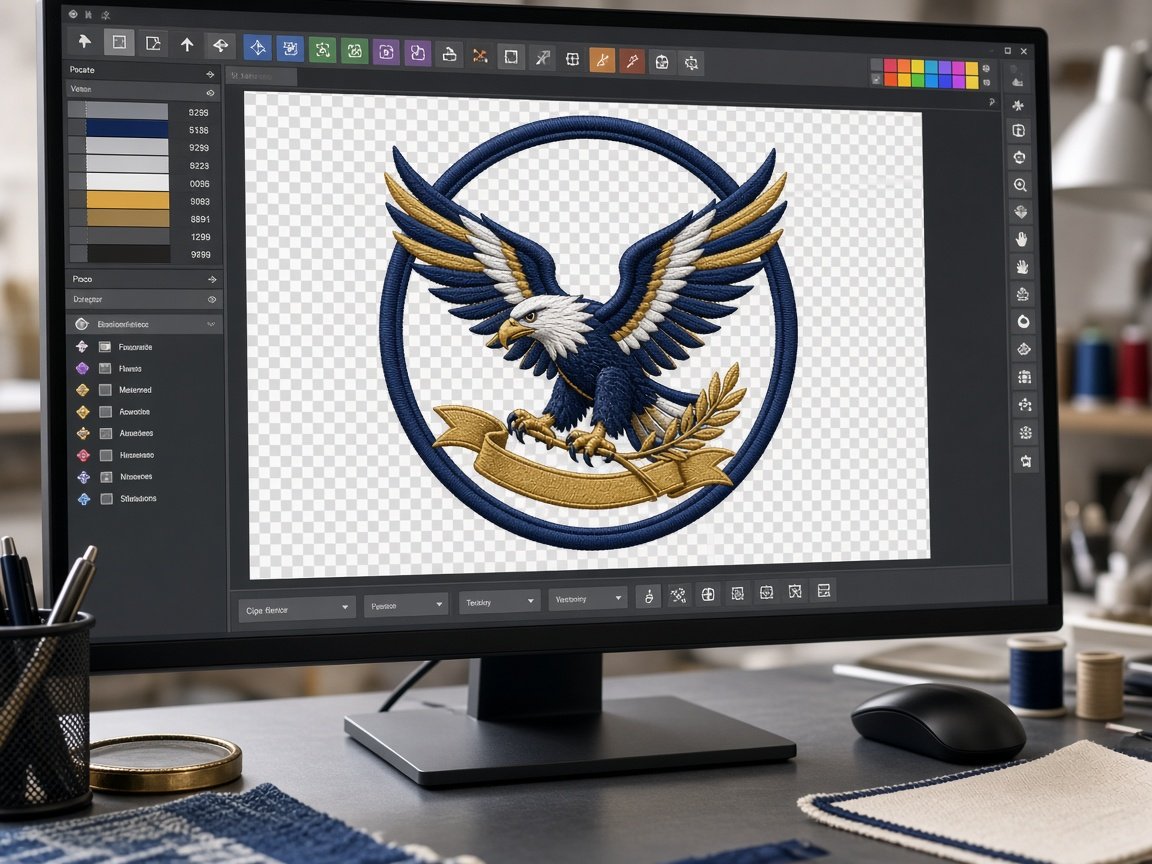
What they hold, and what they do not
- Thread colors — it depends on the format. DST records color stops but not which thread goes at each one, so the color sequence sheet that arrives with the file is what tells you. PES can carry thread color information itself. That difference is metadata, not stitch quality. DST and PES compared.
- Any route back to the artwork. The file records where the needle went, not what it was drawing.
- Scalability. The stitches can be scaled, but nothing regenerates them. Enlarging spreads the same stitch count over more area and opens gaps; shrinking crushes stitches into the same holes.
Which should you ask for?
The format your machine reads, plus any second format you genuinely run. Asking for all eight is not useful — most programs use one or two, and the rest can be generated later from the same source if a machine ever changes. If you are not sure, name the machine rather than guessing the format.
Name the make on the Amazing Punch quote form. We punch once in a working file, then wrap DST, PES, EXP, JEF, VP3, XXX, HUS, or EMB for the heads you actually hoop.