
Hand-punch embroidery digitizing
Quietly luxurious embroidery punching for brands that refuse messy stitches.
“Custom Embroidery Digitizing in the USA – DST, PES & More in Hours”
Amazing Punch converts artwork into considered, machine-ready files for logo digitizing, cap & hat files, 3D puff, and embroidery punching. Every path is punched by a specialist — densities, underlay, and travel stitches tuned for fabric, not left to auto-digitizing.
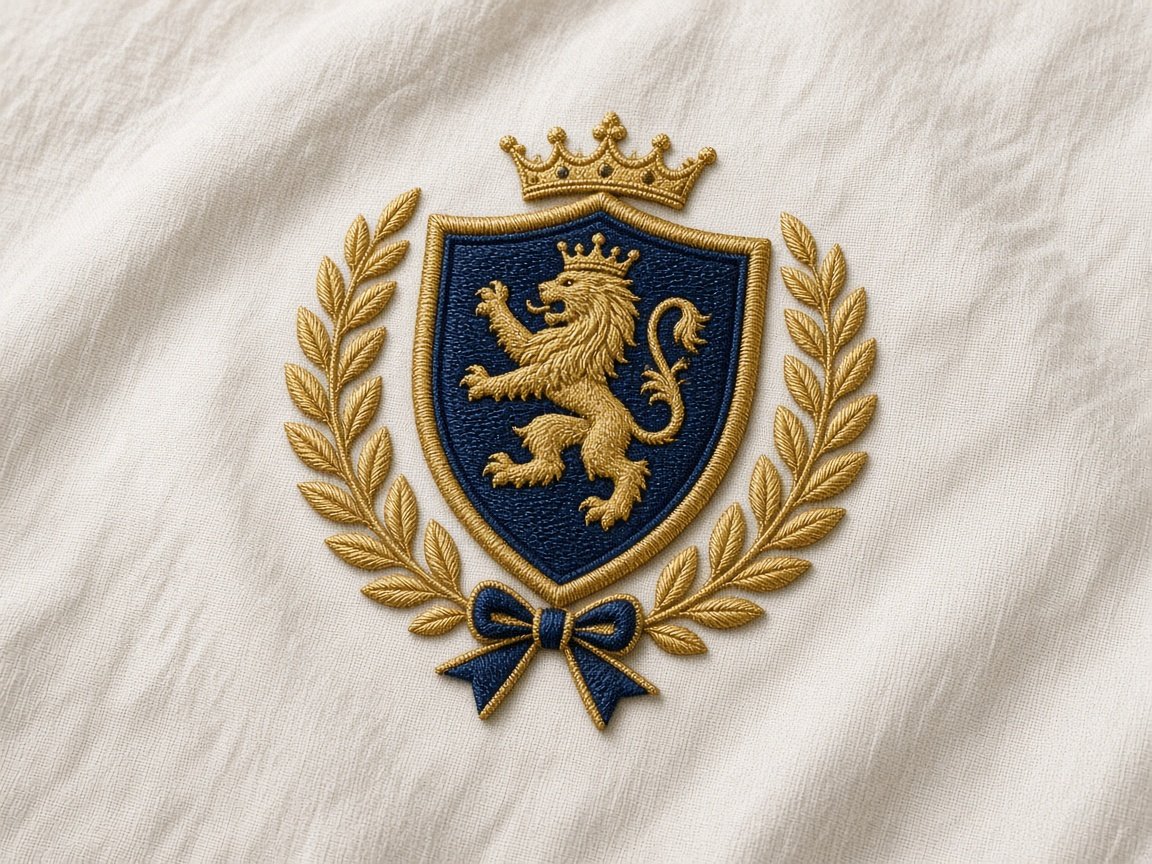
Free quote
Send the artwork. Get a firm price back.
A digitizing quote is decided by size, fabric, and where the design sits. Share those with the file and the desk replies with a real number for that sew-out — not a starting-from range.
- Width, height, and placement set the stitch path.
- Fabric tells us density, underlay, and pull compensation.
- Your first Standard order is $5, with nothing charged upfront.
- 01 Artwork Analysis
- 02 Stitch Planning
- 03 Stitch Optimization
- 04 Machine Preparation
- 05 Final File
How we digitize
How we turn your artwork into an embroidery file
Digitizing is a series of decisions, not a file conversion. We plan every stitch so your design runs cleanly, looks sharp and performs reliably on the embroidery machine.
Five decisions. One clean embroidery file.
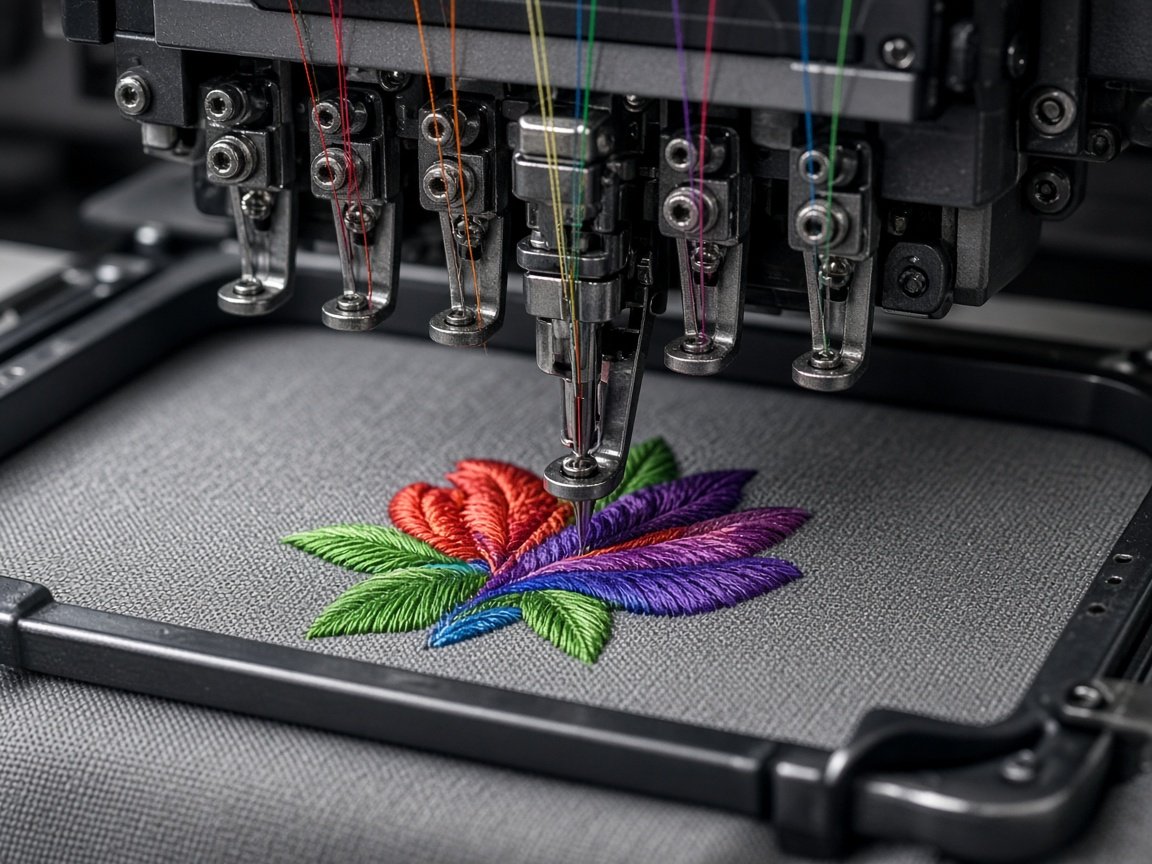
Machine-ready result
Ready to stitch
- Your artwork
- Stitch planning
- Digitized file
- Embroidery machine
- Finished design
-
Stitch Type
We choose the right stitch for every part of your design — satin for borders and lettering, fill for solid areas, and running stitch for fine details.
-
Underlay
Underlay creates the foundation beneath your stitches, helping stabilize the fabric and keeping the final embroidery clean and consistent.
-
Density
We balance stitch density carefully so the design covers the fabric without becoming too heavy, stiff, or difficult to sew.
-
Pull Compensation
We account for the natural movement of fabric during stitching so shapes stay accurate and your finished design matches the original artwork.
-
Sequencing & Trims
We organize color blocks and stitch order to reduce unnecessary trims and jumps while keeping the final file efficient and machine-ready.
Your artwork. Our stitches. A file built to sew right.
See Our Digitizing SamplesEvery stitch is planned with the final garment, fabric and machine in mind.
Sew-out gallery
See our embroidery digitizing samples
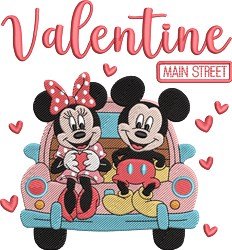
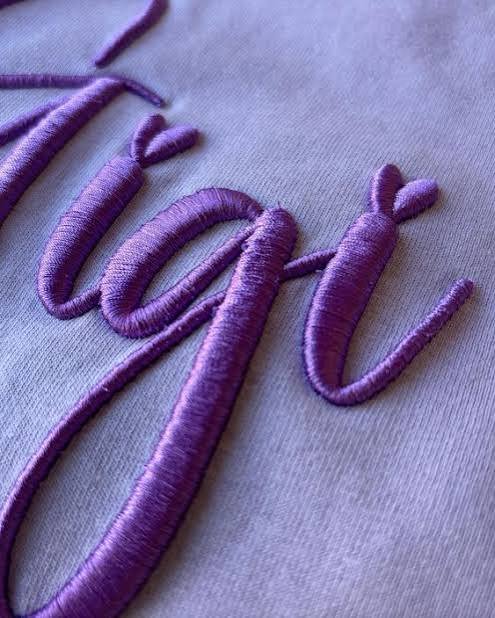
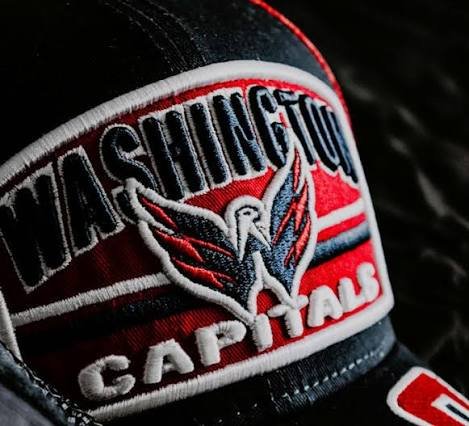
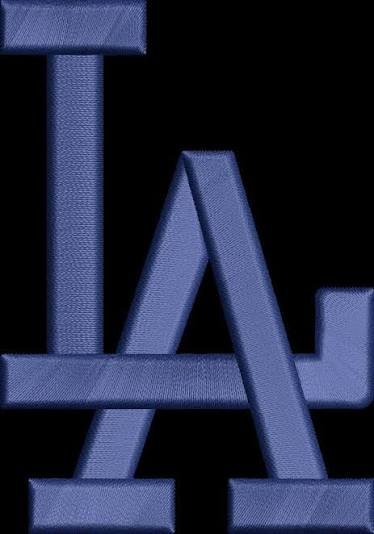
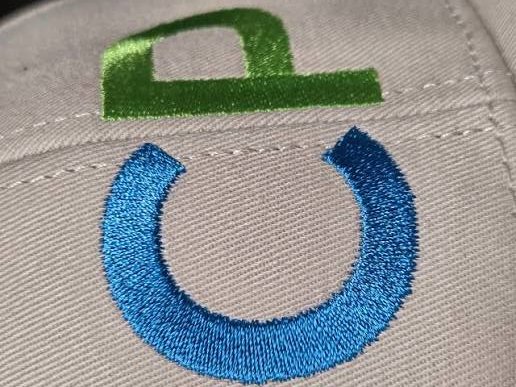
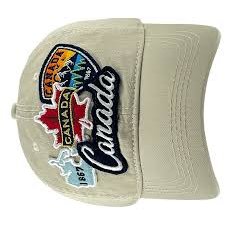
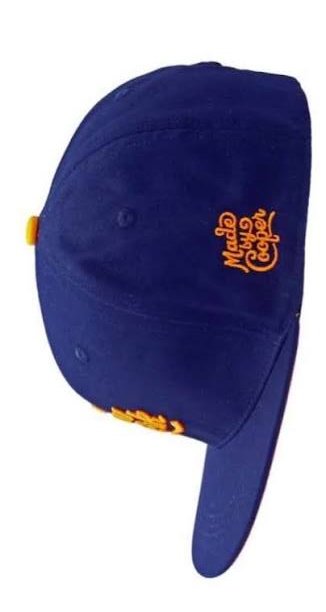
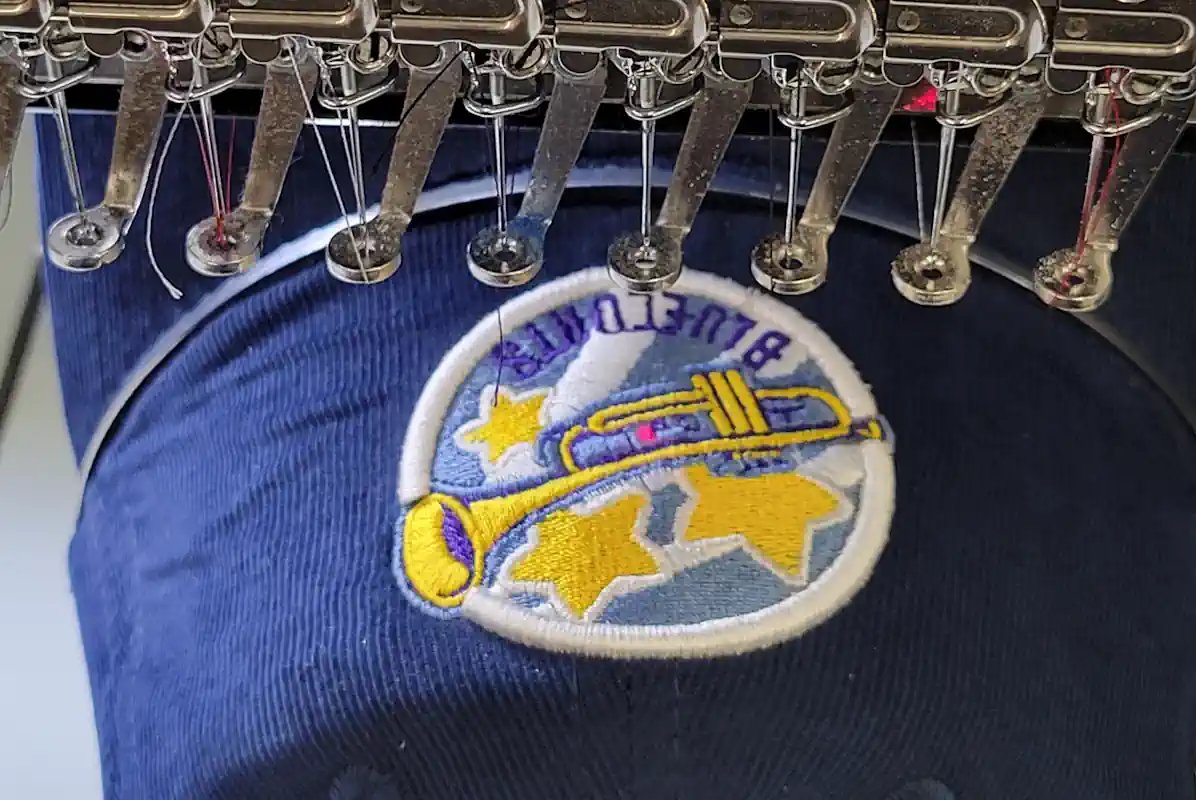
A quick look at real files we’ve digitized. Open the full embroidery digitizing portfolio, or jump to logo, 3D puff, patch, appliqué, and vector art desks.








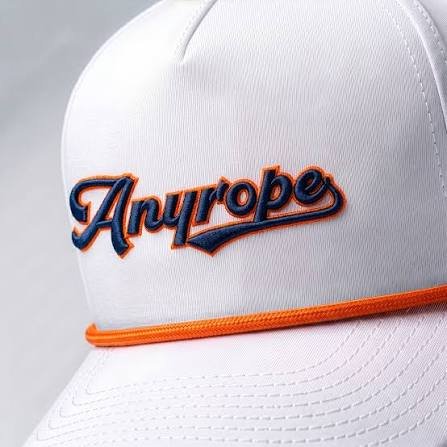
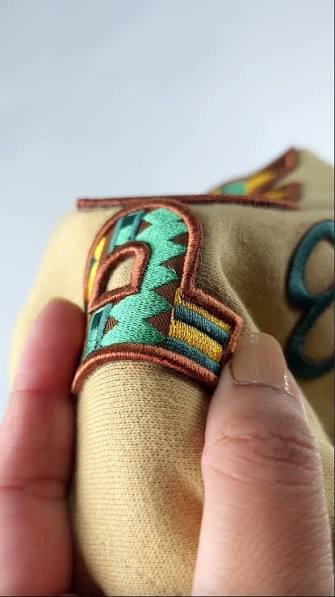
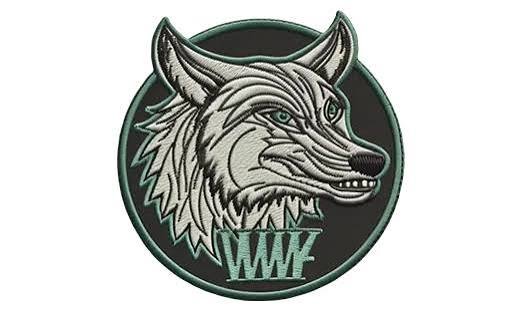
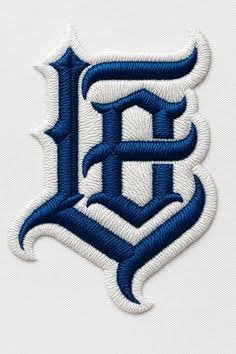

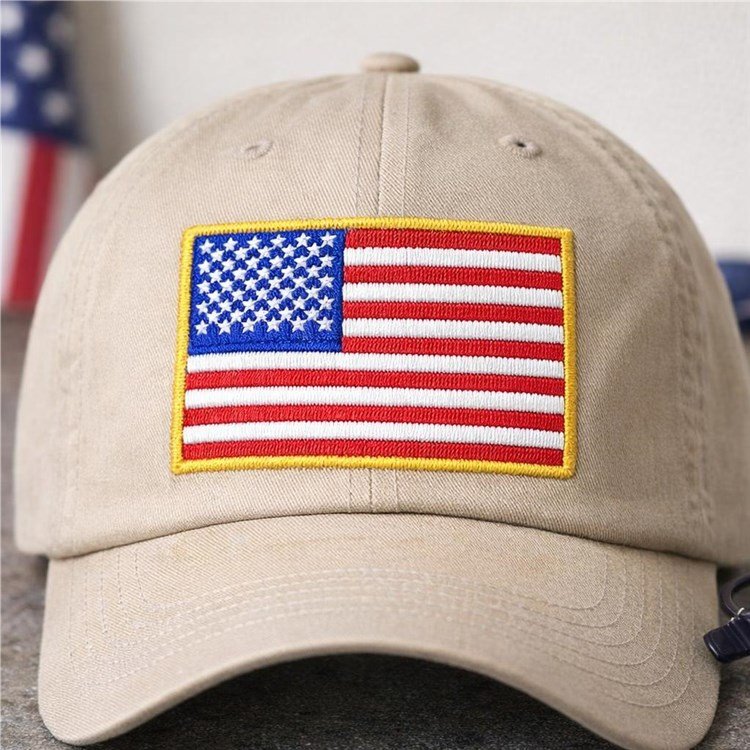
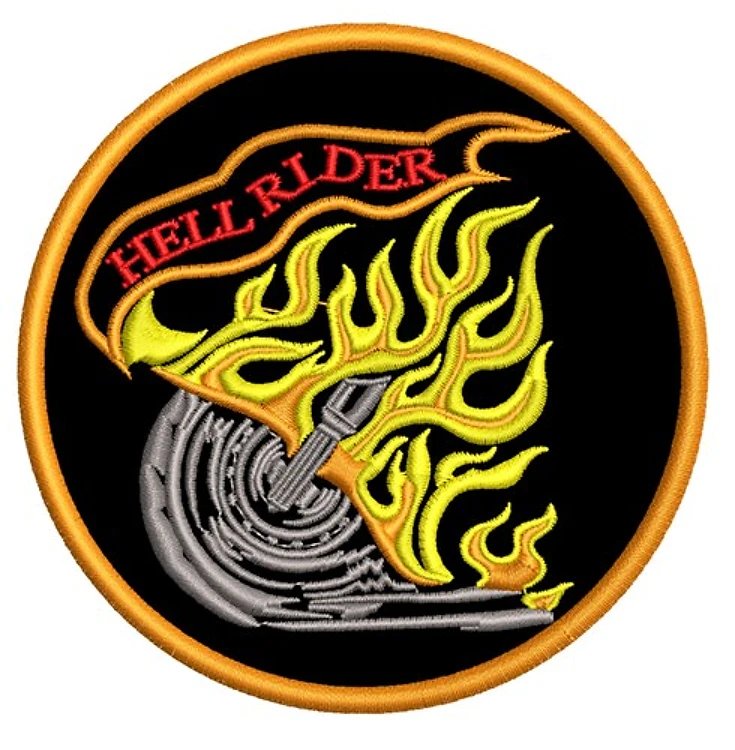
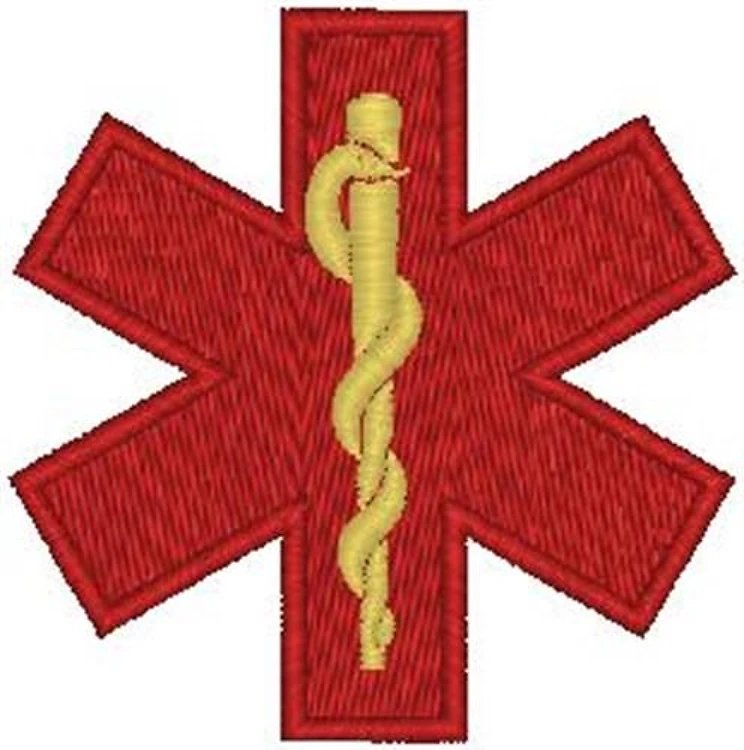

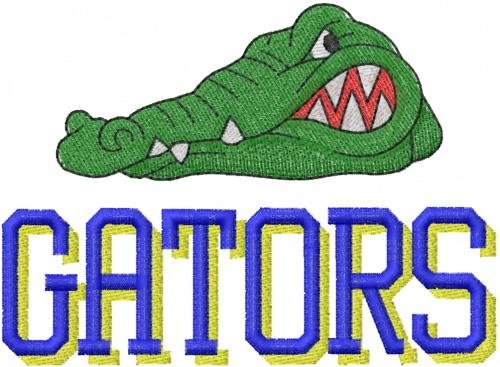
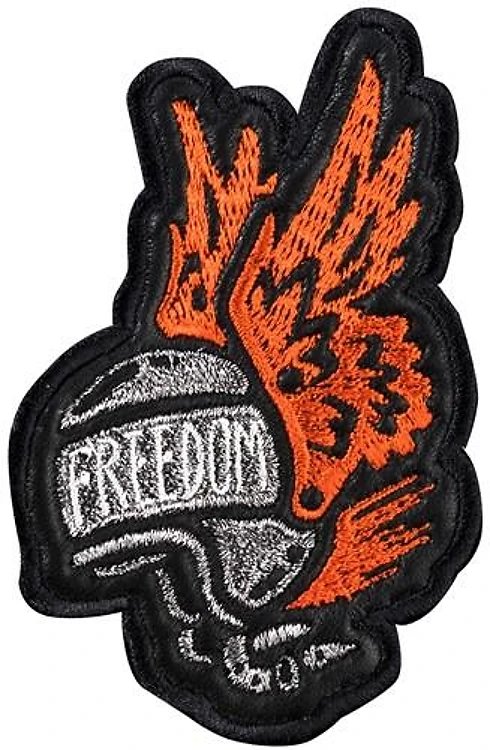
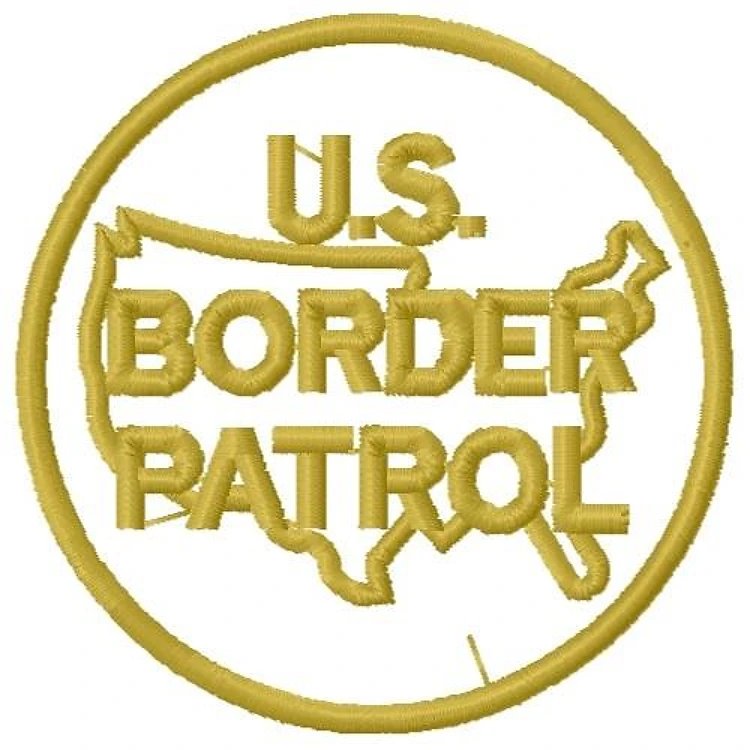
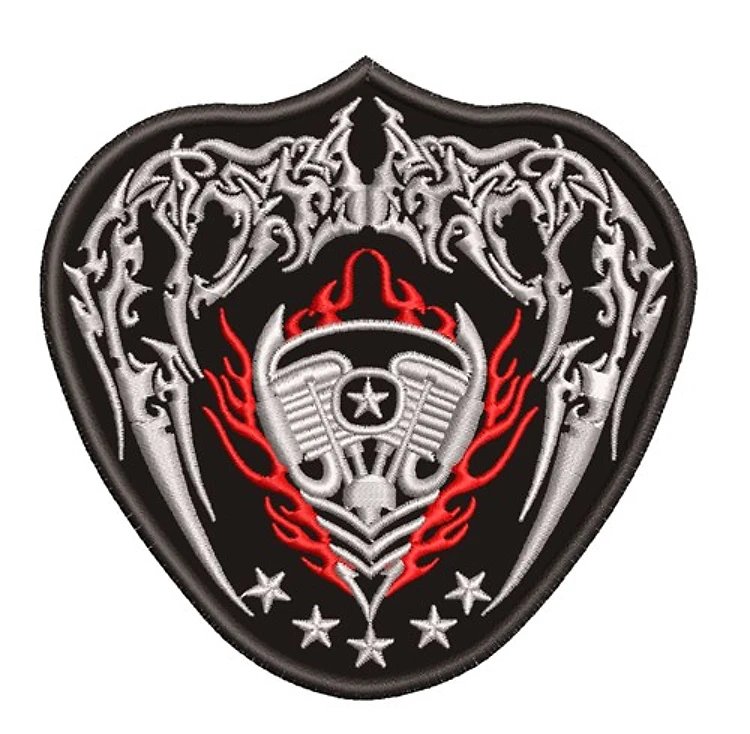
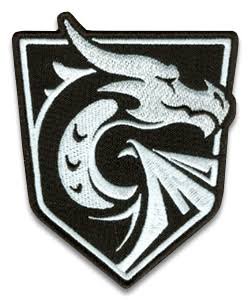
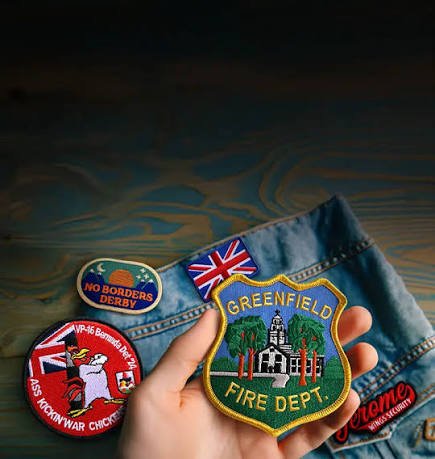
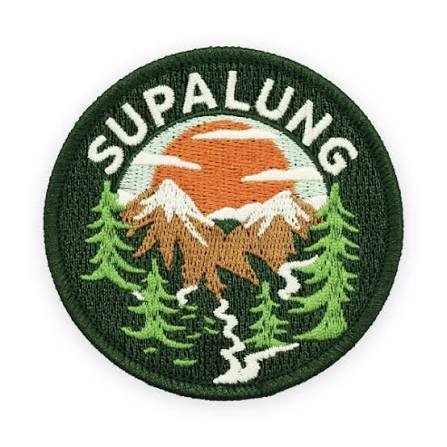
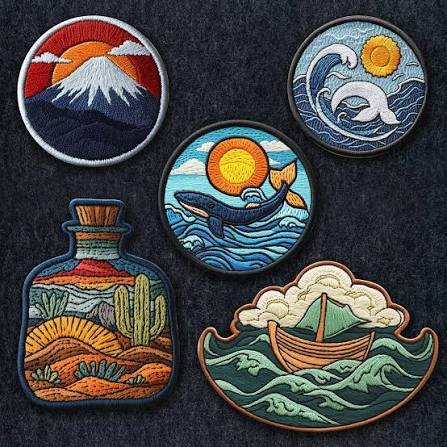
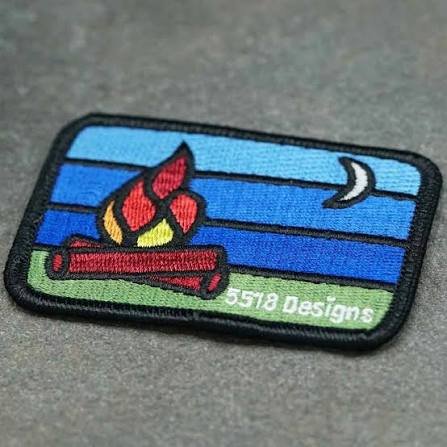
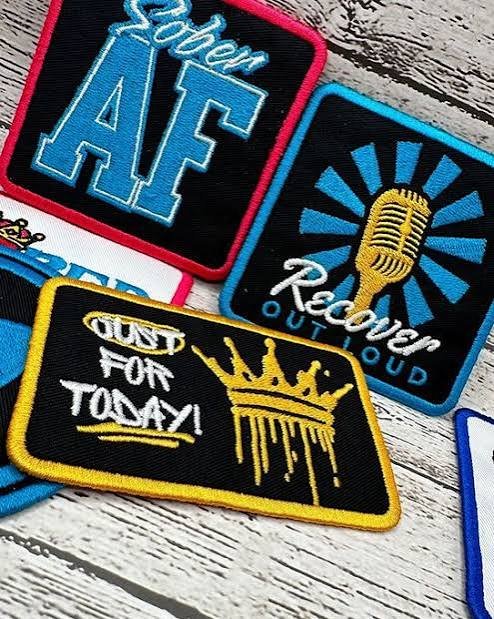
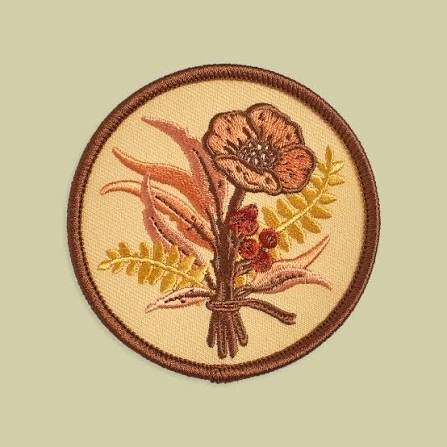
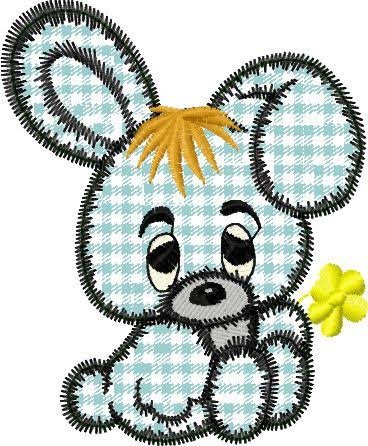

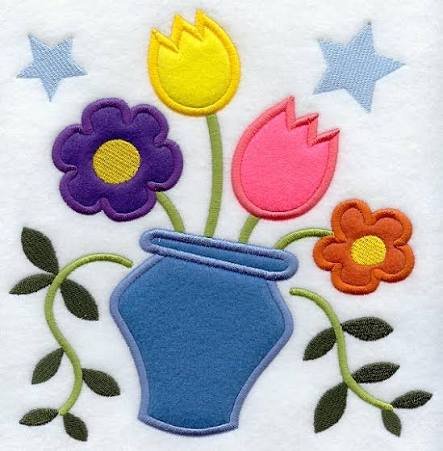
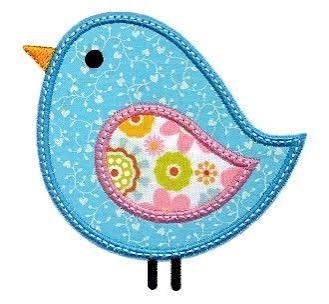
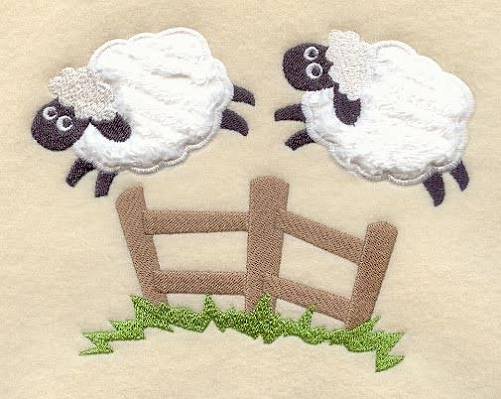
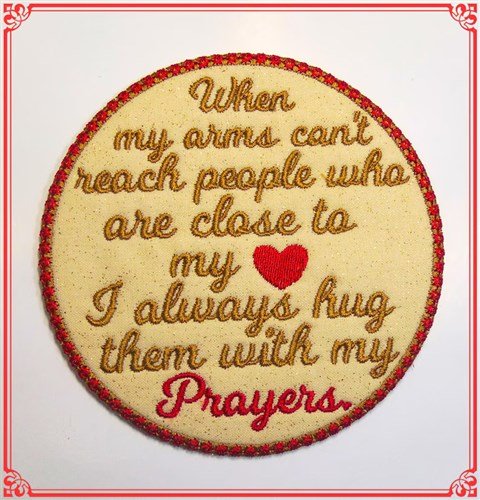
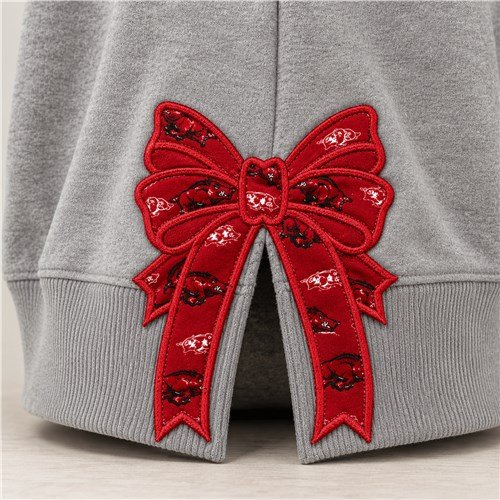
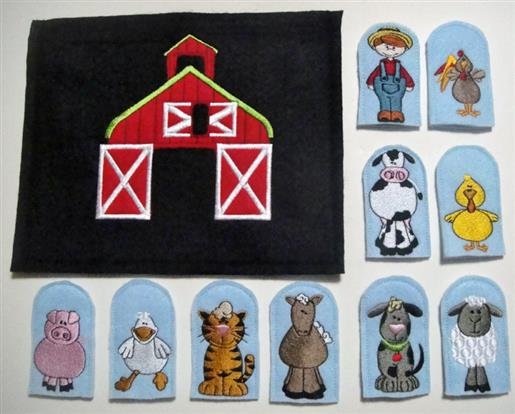
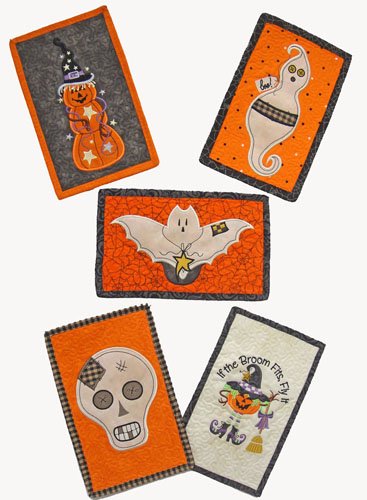
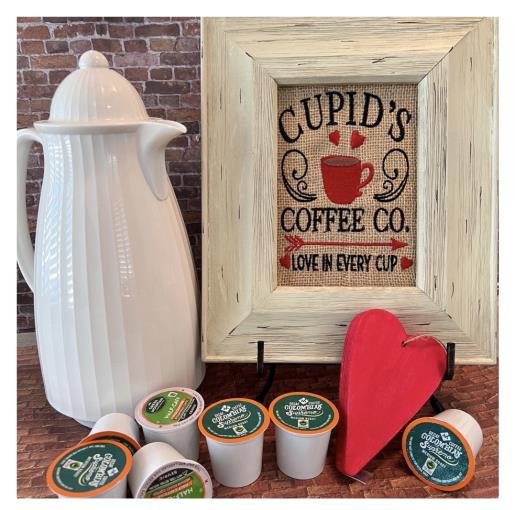
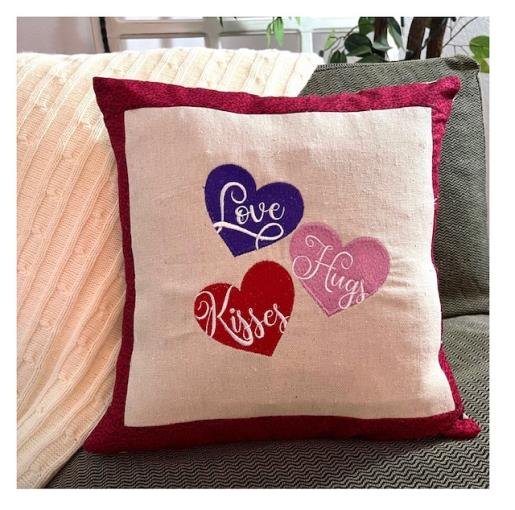
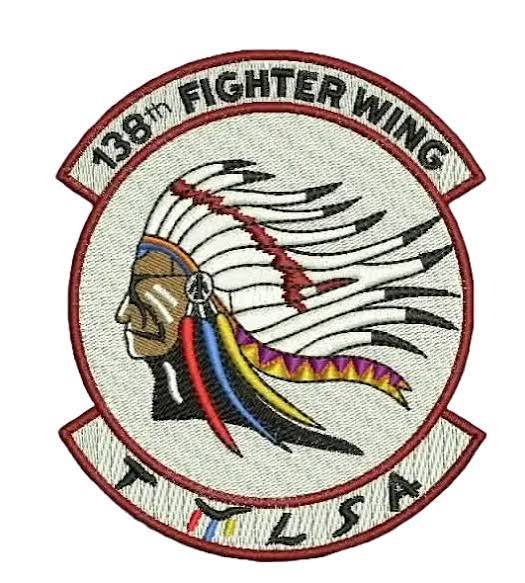
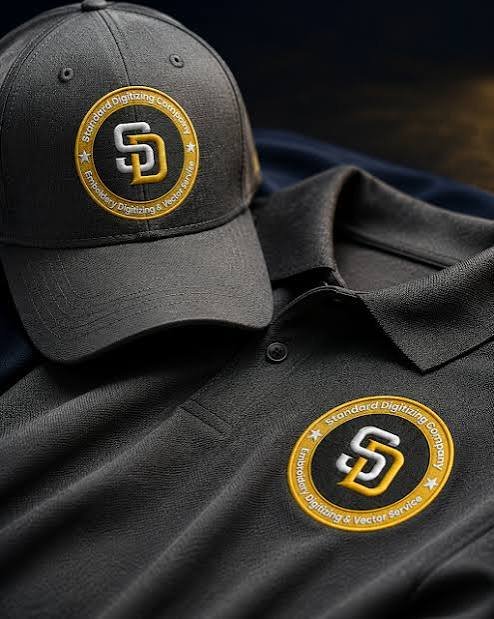
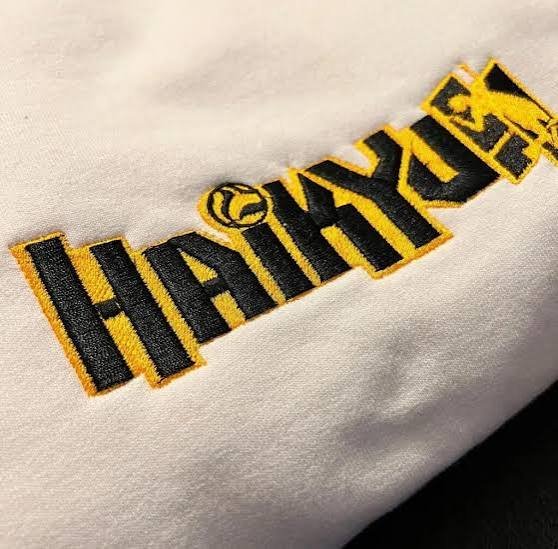
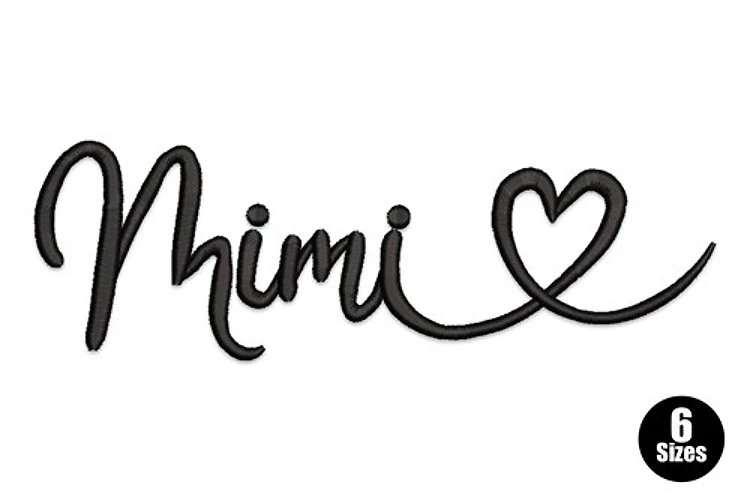
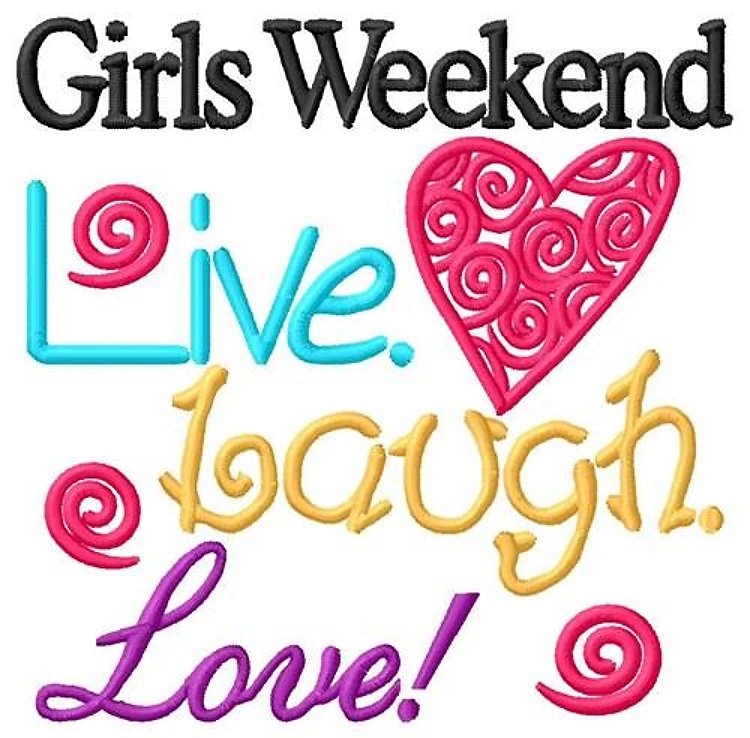
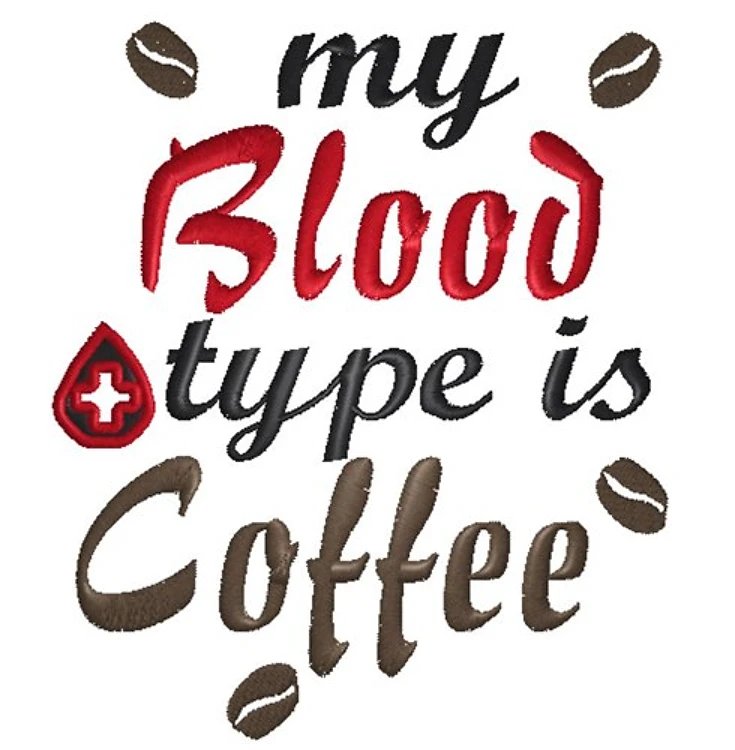
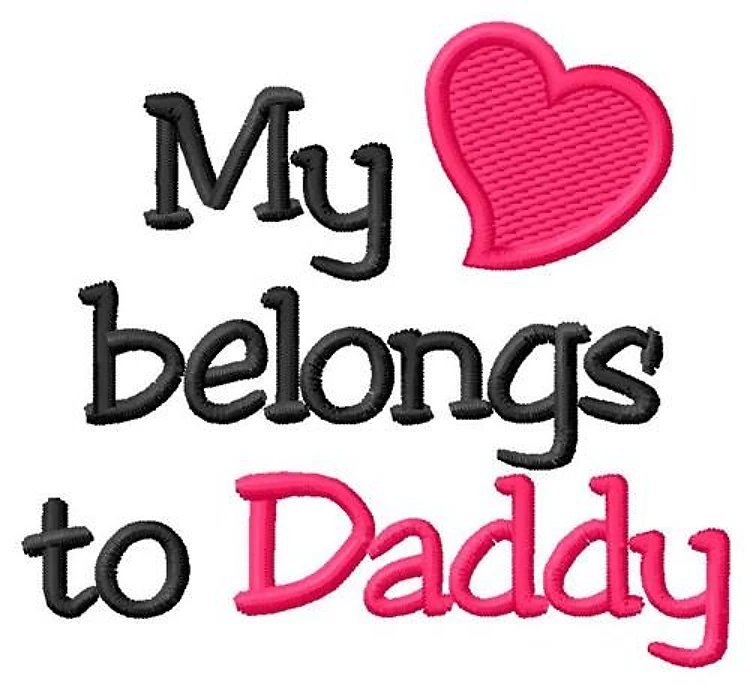
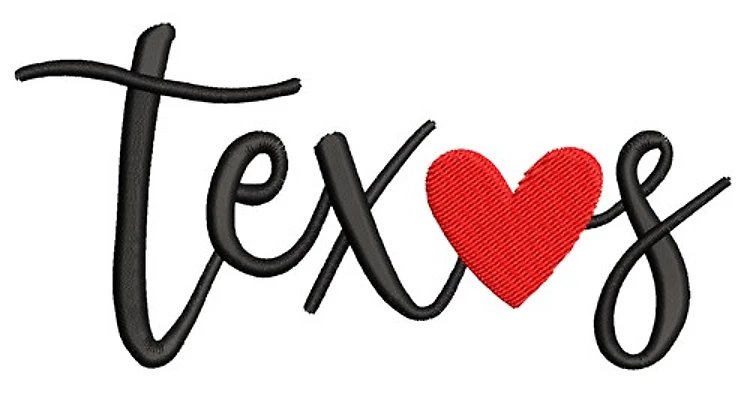


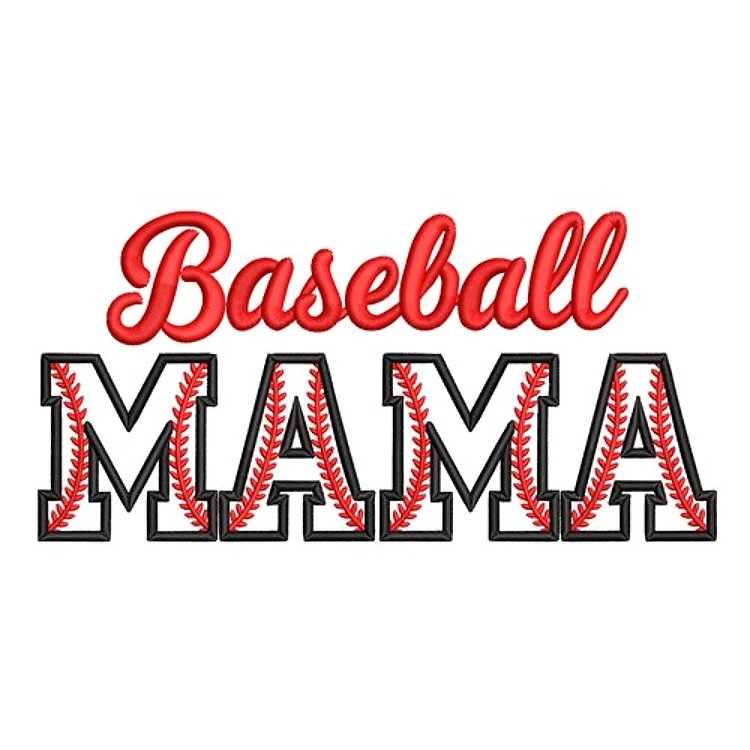
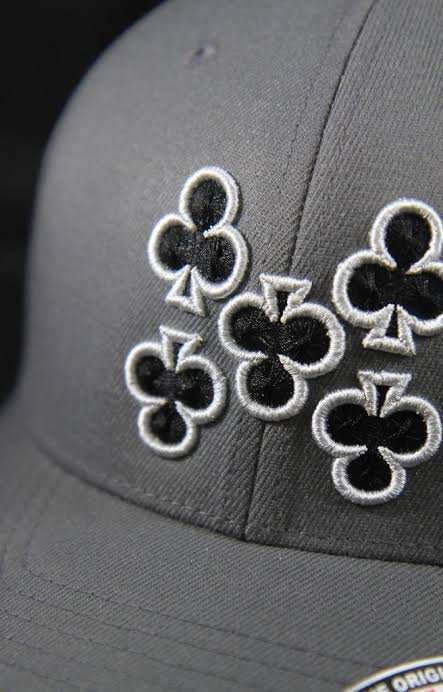
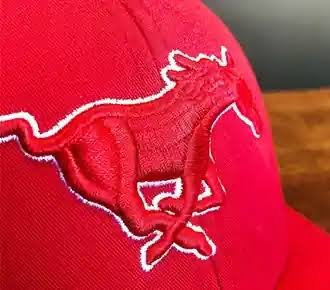
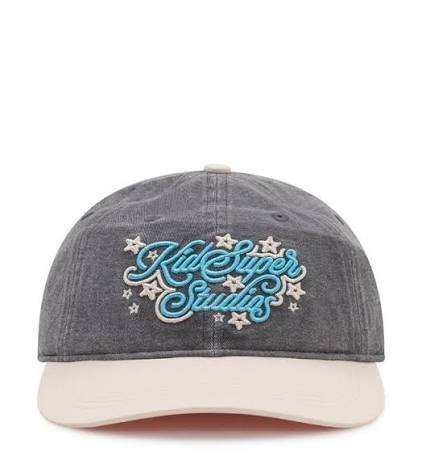
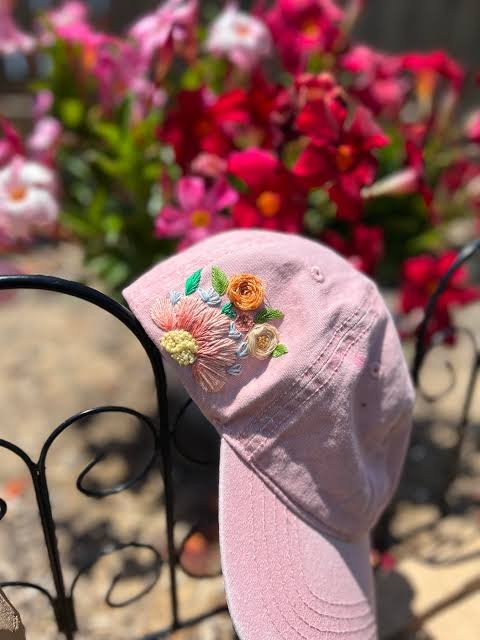
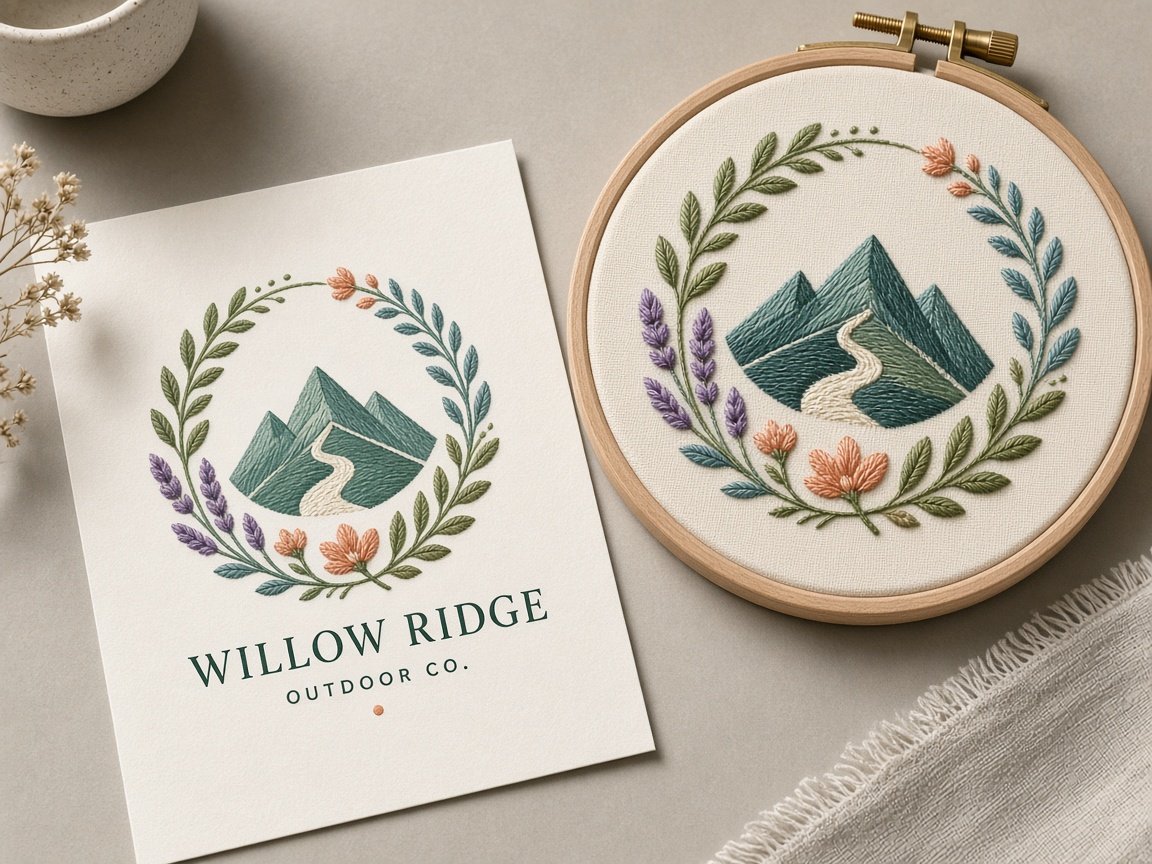
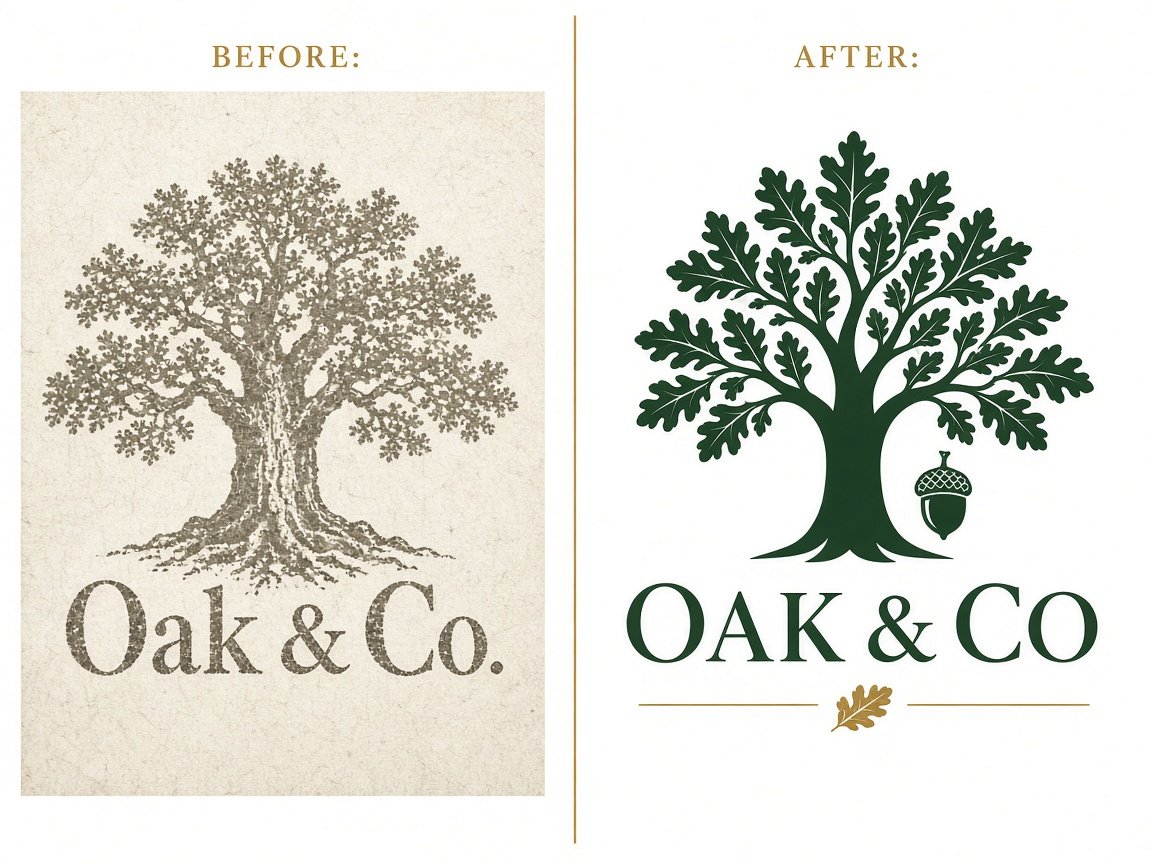
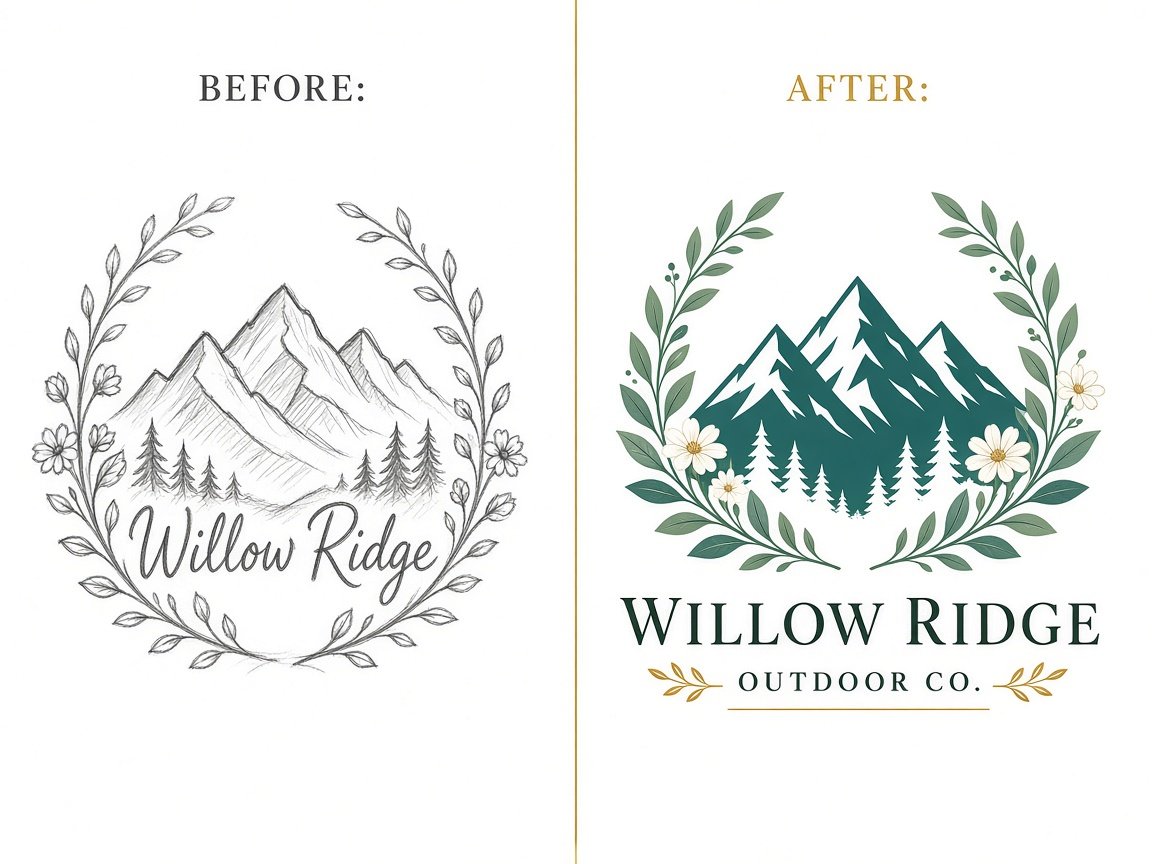
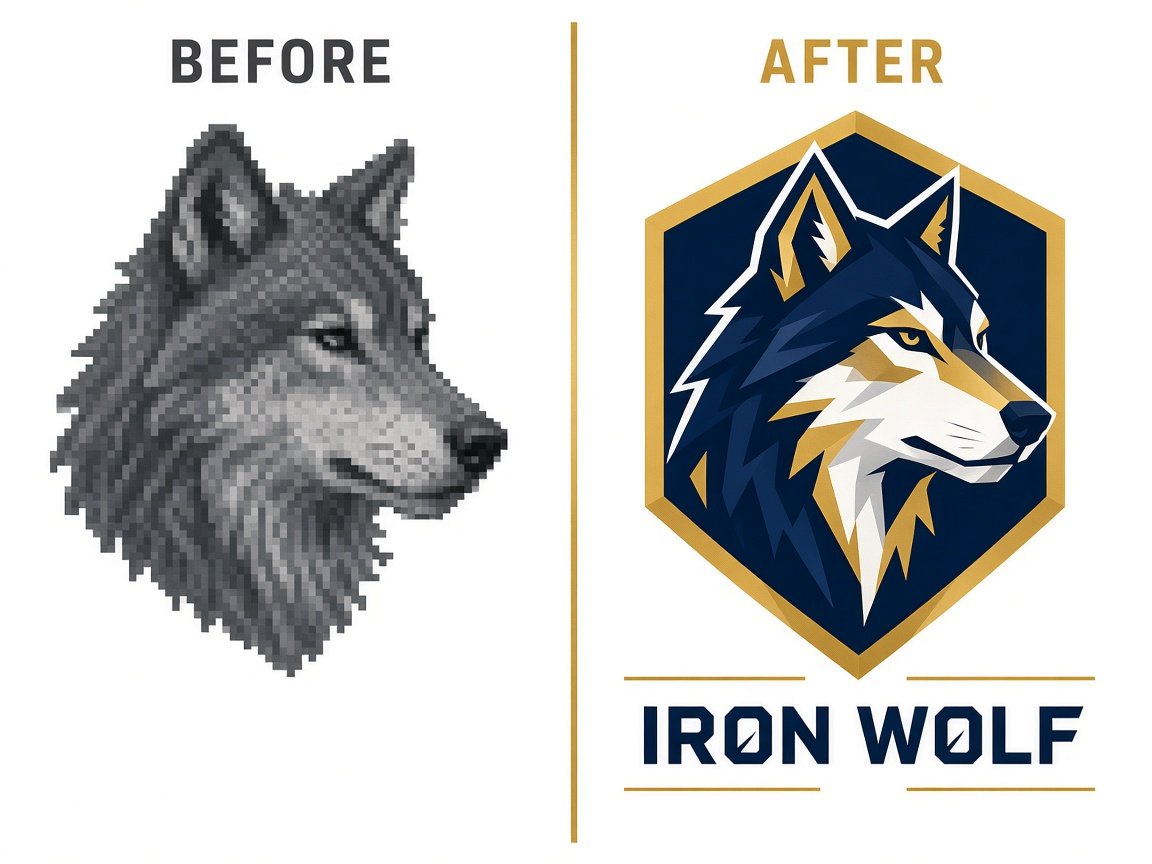
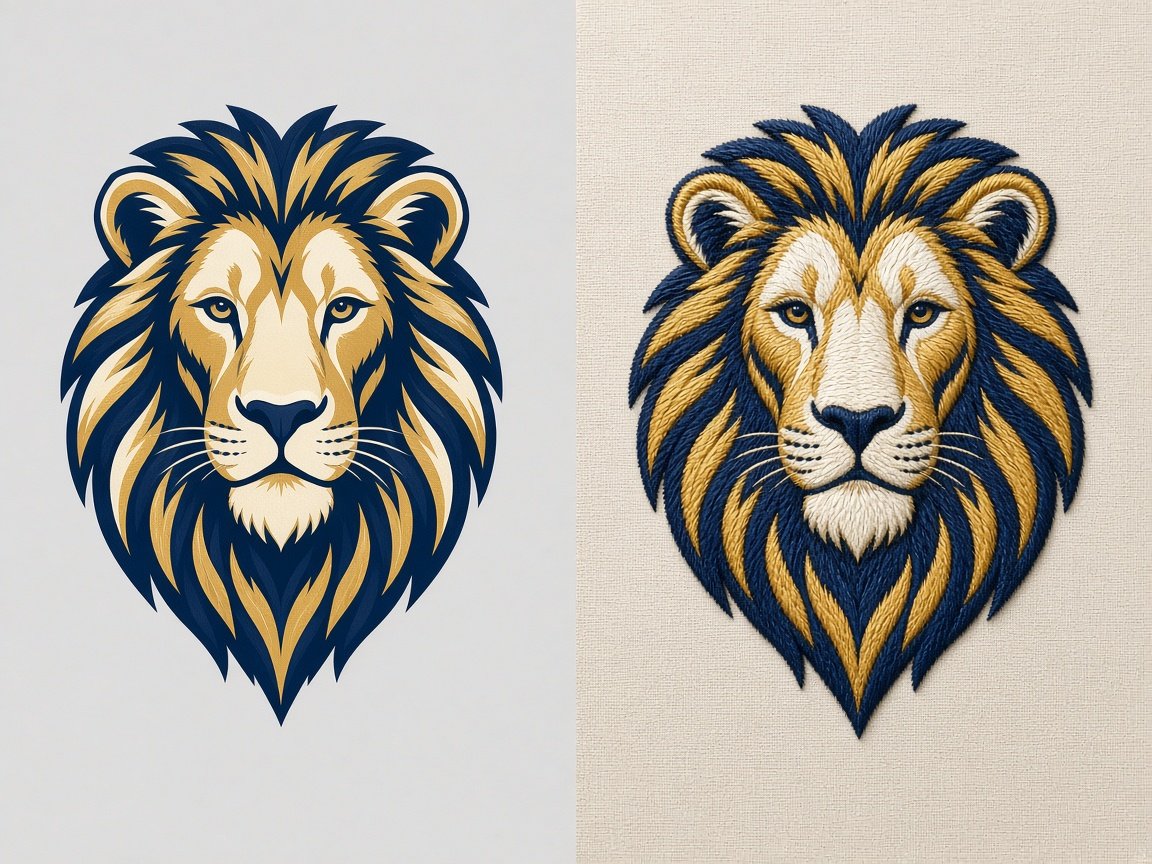
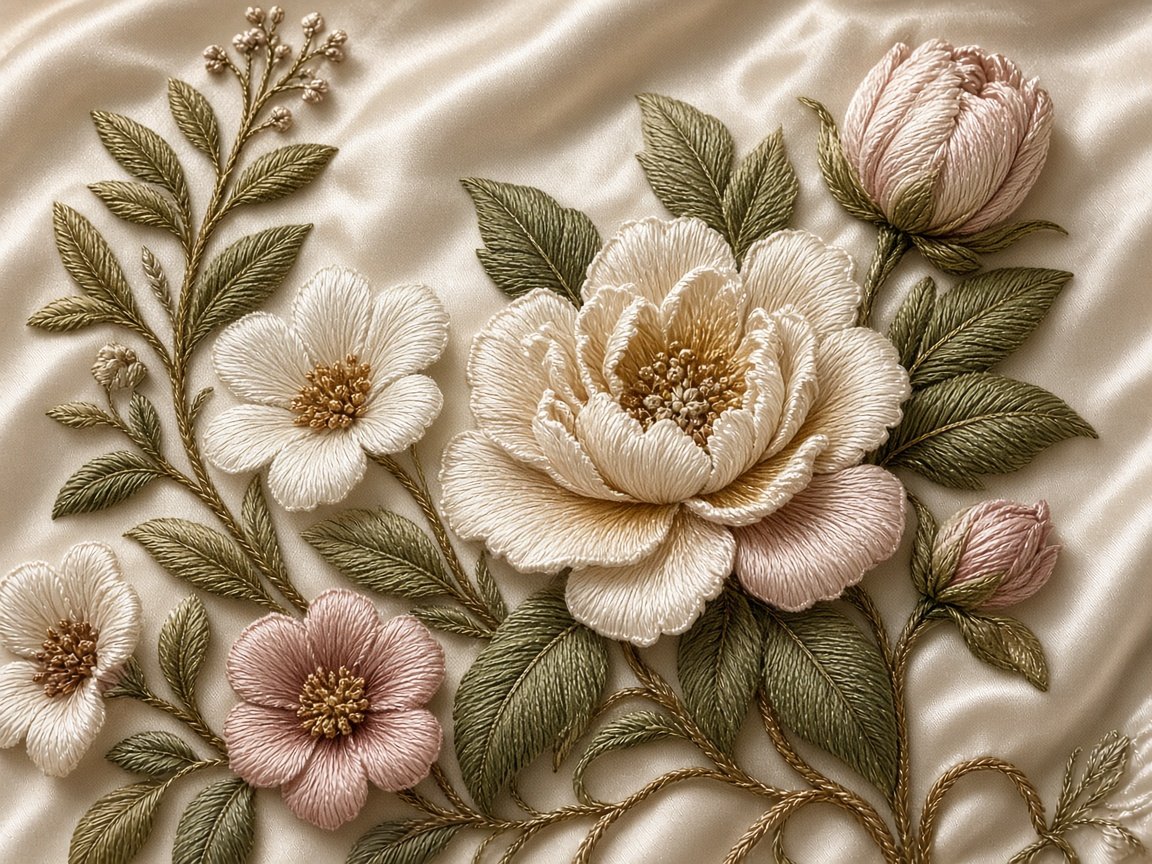



No samples in this category yet. Browse the full portfolio, or send the artwork for a custom punch.
Pricing plan
Transparent, flat-rate embroidery digitizing prices.
We quote from the complexity of your artwork — colors, stitch count, and size — not from a mystery formula after the file leaves the desk. No hidden charges.
Simple, medium, and complex punch files — standard delivery in hours, not days.
Simple Design
$20
Best for: basic logos or minimal artwork
- Up to 3 colors
- Up to 10,000 stitches
- Standard delivery: 4 to 12 hours
- Express delivery: 1 to 4 hours (add $5)
Medium Design
$30
Best for: moderate detail or medium-sized logos
- Up to 5 colors
- Up to 15,000 stitches
- Standard delivery: 6 to 12 hours
- Express delivery: 1 to 5 hours (add $5)
Complex Design
$40
Best for: detailed artwork, mascots, or large designs
- 5 or more colors
- Up to 30,000 stitches
- Standard delivery: 6 to 12 hours
- Express delivery: 3 to 6 hours (add $5)
Add-ons and optional services
Urgent turnaround
Add $5
Need the file quickly? Express digitizing typically lands within 2 to 6 hours depending on complexity — on top of the Simple, Medium, or Complex rate.
Additional sizes
$5 per size
If the same artwork must sew at more than one finished size (left chest and cap, for example), each extra size is $5. We punch it — we do not scale a DST in the machine menu.
How embroidery digitizing pricing works
Stitch count, colors, and fabric decide the ticket — not a surprise invoice.
Shops searching “embroidery digitizing price” or “how much does punching cost” are usually comparing auto-digitize mills to a specialist desk. Amazing Punch publishes a flat starting rate so you can plan. The three tiers map to what actually changes the punch: color stops, object count, and stitch volume.
A simple wordmark with two satins is not a mascot with fills, underlay, and a 3D puff cap version. If your file will exceed 30,000 stitches, or needs puff, applique, or a jacket-back field, send the artwork — we will confirm the tier before we punch. Complimentary refinements after the first sew-out stay in the quoted job.
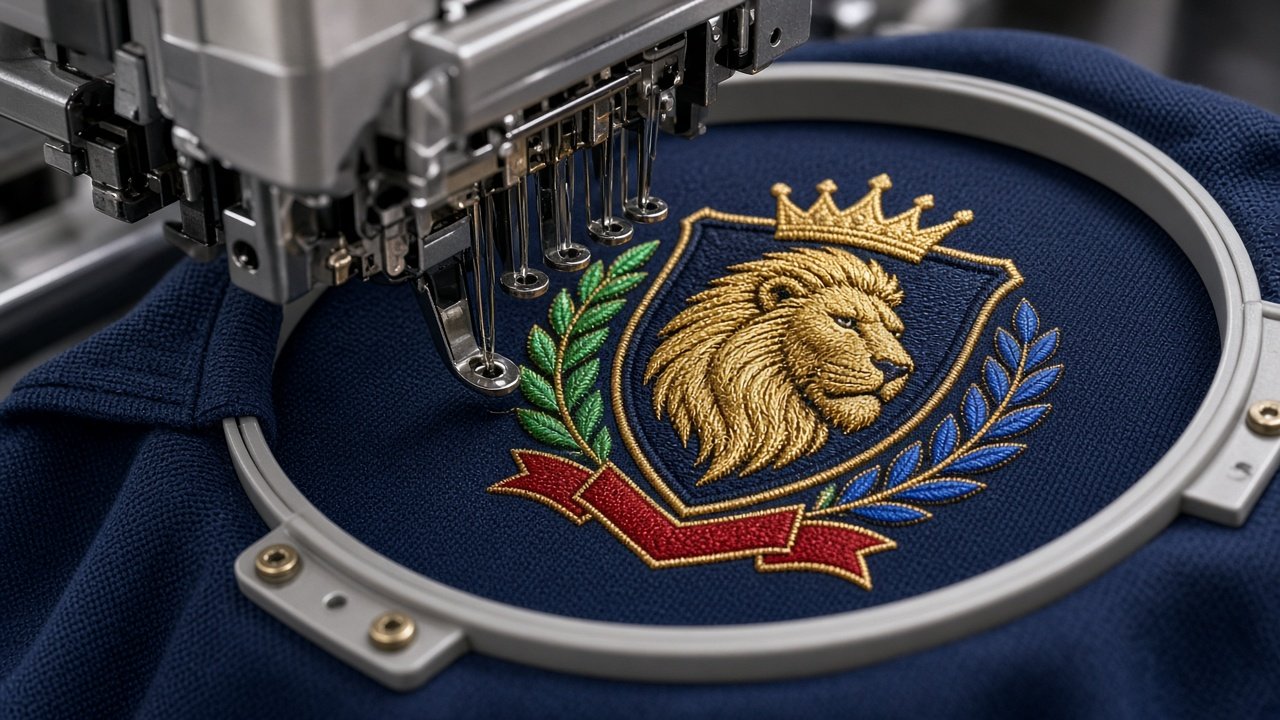
- Manual punching in professional software
- DST, PES, EXP, JEF, VP3, XXX, HUS, or EMB
- Color sequence notes with the drop
Studio voices
What production managers notice
1,200+Shop partners
14kFiles punched
6–14hTypical return
0 autoDigitize shortcuts
A file that behaves on the machine
Send tonight’s artwork. Wear a cleaner sew-out tomorrow.
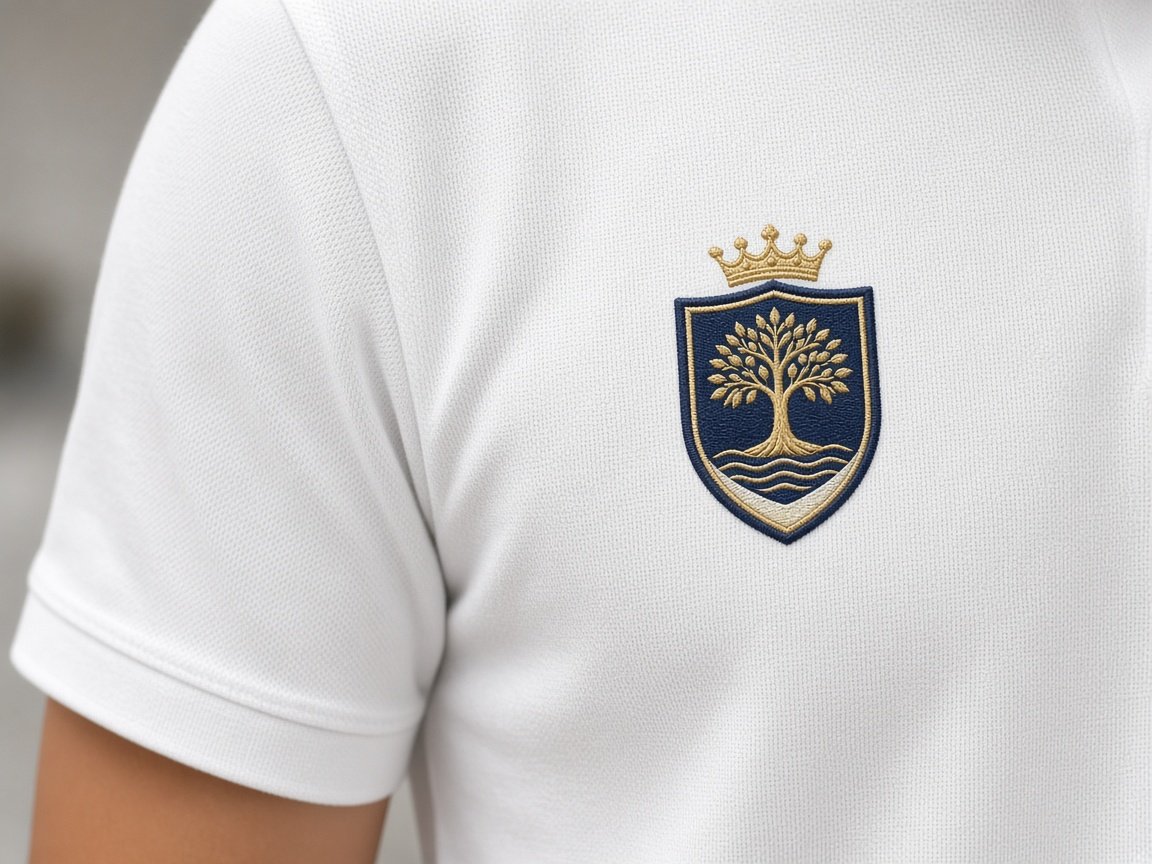
Tell us garment, size, and formats. The atelier returns a punched file with a preview — refinements included until it sits right in the hoop. Prefer a named desk? Start with logo digitizing or how it works.
Studio desk
Embroidery digitizing questions shops ask before the first punch.
Turnaround, DST and PES formats, pricing, artwork, revisions, caps versus shirts, and why we punch by hand — click a question to open the answer.
Embroidery digitizing — also called punching — converts artwork into stitch commands a machine can sew: stitch type, length, angle, underlay, density, and travel. It is not a JPG or a vector. Amazing Punch punches objects by hand so the file matches the garment (left chest, cap, puff, or jacket back), instead of tracing pixels.
Most logo and left-chest jobs return in 6–14 studio hours after the brief is complete. Simple designs on our pricing plan can land in 4–12 hours; express add-ons are faster. Jacket backs, 3D puff, and incomplete artwork take longer. We confirm timing when we open the file — typically the same or next studio day for standard logos.
We export the wrapper your machine actually reads: DST (Tajima), PES (Brother), EXP (Melco), JEF (Janome), VP3 (Husqvarna Viking), XXX (Singer), HUS, and EMB working files when you need them. Name the make on the quote form. A DST is a stitch list; a working punch still holds objects for true resizes.
Amazing Punch publishes flat rates: Simple Design $20 (up to 3 colors / 10,000 stitches), Medium 30$ (up to 5 colors / 15,000 stitches), Complex $40 (up to 5+ colors / 30,000 stitches). Express delivery and extra sizes add $5 each. Puff, applique, and oversized jacket-backs are confirmed before we punch. See the homepage pricing plan for the full details.
Best: AI, EPS, or SVG with clean edges. Next: PNG or PDF at the size you will sew. A sharp photo of an existing sew-out can work. Include finished width, placement (left chest, cap, jacket), fabric, and machine format. Tiny type, busy photos, and screenshots often need a redraw before a legal punch.
Yes. Complimentary refinements stay with the job until the sew-out sits correctly — pull, density, travel, or a color-stop note. New artwork, a new size that needs a true re-punch, or a different placement (cap vs shirt) is a new brief, not a free scale of the DST on the machine menu.
Almost never as a single DST. Caps are curved, height-limited, and sequenced center-out. Polos need knit pull compensation and a flatter hoop. Order a dedicated cap punch and a left-chest punch even when the vector is the same. Extra sizes on our pricing plan are $5 each and are punched, not machine-scaled.
No. Auto-digitizing maps pixels to stitches and often creates extra trims, illegal satin widths, and densities copied from the wrong garment. Amazing Punch is a manual punching desk in Palmdale: objects, underlay, and compensation are set for the fabric you named. That is why shops send us files that failed after a one-click convert.
Still need a file-specific answer? Send the artwork with size, fabric, and format.
Amazing Punch
Agent replies instantly · specialist follows